
How pickup & return work
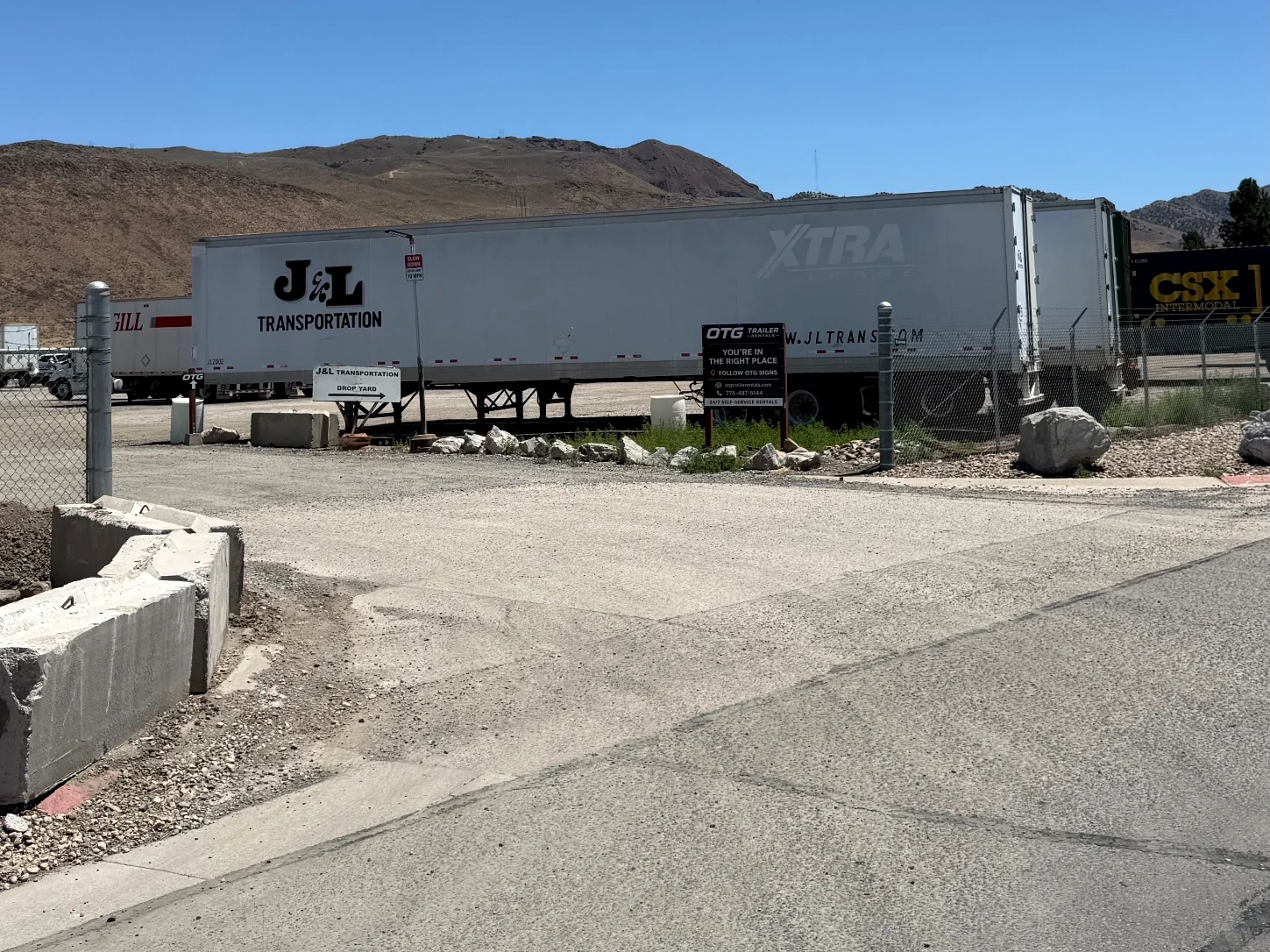
Reserve online. Use your phone to check in, unlock your trailer and complete your return at our Sparks lot.
Choose a trailerBook your rental times
Choose a trailer, select pickup and return times, and pay online. Your confirmation email includes your rental link.
Need a hitch? Add one at checkout for $10.
Check in, unlock & hook up
Check-in opens 30 minutes before your reservation. At the yard, complete the questions and required photos in your pickup link to receive your lock code.
Unlock your trailer, connect it, and check the coupler, chains, lights and brakes before leaving.
Finish your return on your phone
Bring the trailer back to its original spot by your reserved return time. Select Start Return, complete the questions and photos, and lock the trailer.
Allow time for parking and the return steps before your rental ends.
Know what to look for
Before you leave home
Bring your driver's license and a tow vehicle rated for the trailer plus your load. Check your trailer page for insurance and towing requirements.
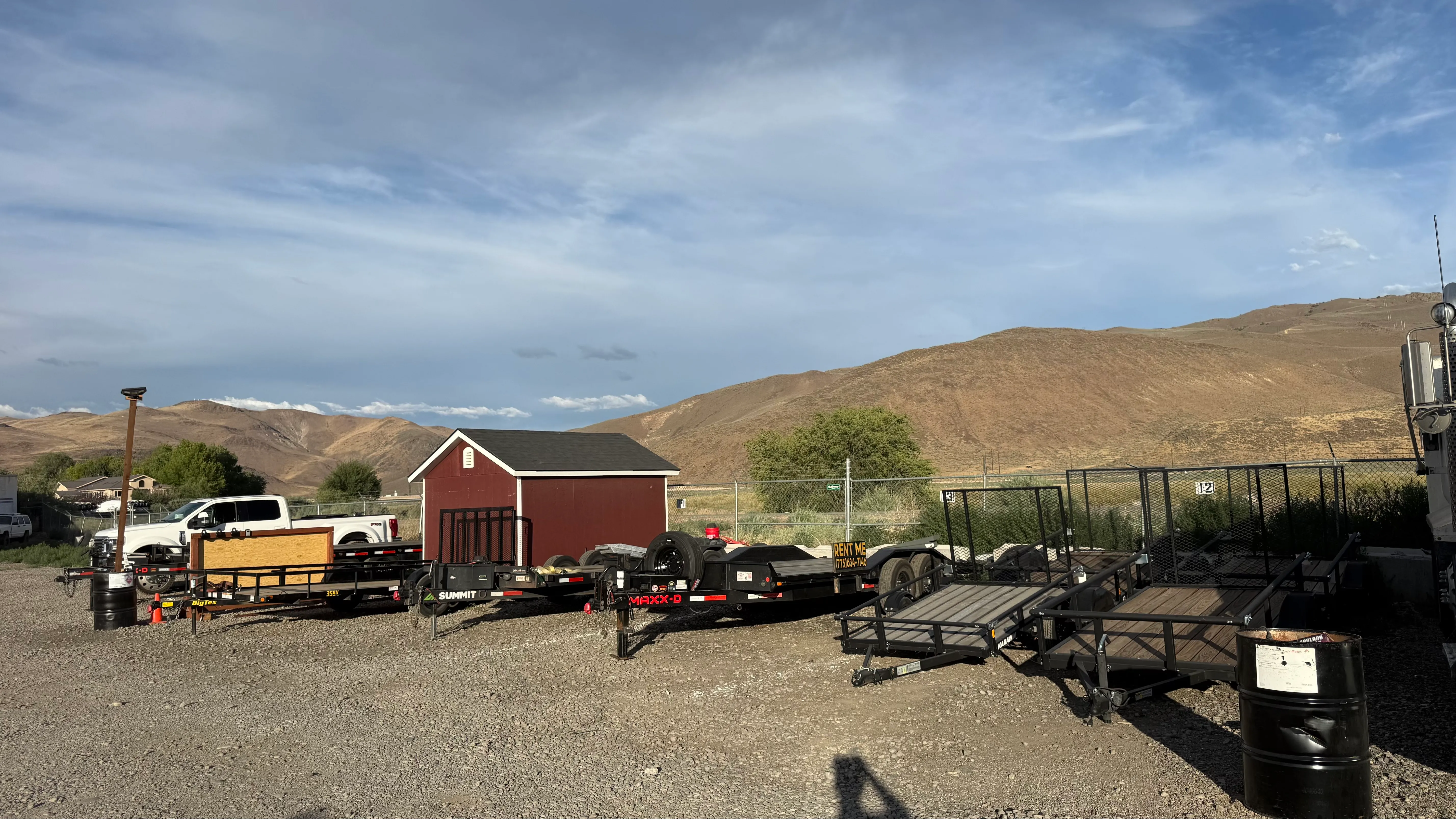
Car haulers & deckover: 2-5/16" ball, 7-way plug and brake controller.
Utility trailers: 2" ball and 4-way flat plug.
Quick questions
Can I pick up at night?
Yes. Reserve your pickup time online. The Sparks lot is accessible for self-service pickup and return, 24/7.
When do I get my lock code?
Complete the check-in questions and required photos in your pickup link. Check-in opens 30 minutes before your reservation.
What if my plans change?
See the cancellation policy for refunds and rescheduling. Contact OTG if you need to change your return time.